Video to Prompt: How to Turn a Reference Video Into an AI Prompt
You see a video online that looks incredible. Maybe it is a cinematic commercial. Maybe it is an AI-generated short that suddenly goes viral. You want to create something with the same visual idea. But there is a problem...
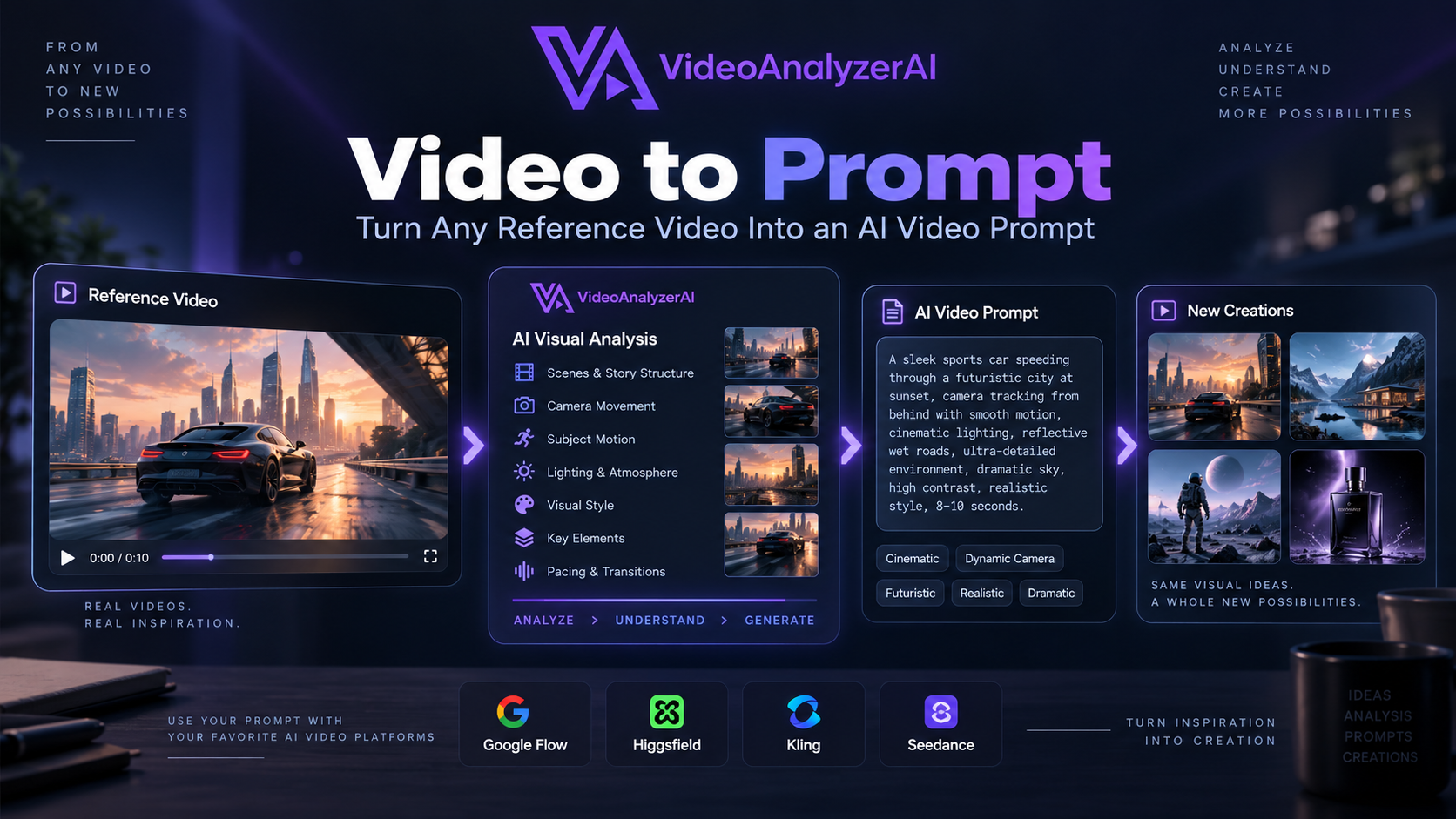
You see a video online that looks incredible.
Maybe it is a cinematic commercial.
Maybe it is an AI-generated short that suddenly goes viral.
Maybe it is a product advertisement with an unusual camera movement.
Maybe it is a character walking through an impossible environment.
You want to create something with the same visual idea.
But there is a problem.
You can watch the video.
You can see what happens.
You can study the camera movement, lighting, composition, subject, motion and style.
But you don't have the instructions that produced it.
That is where video to prompt becomes useful.
Instead of starting from a blank prompt box and guessing what to write, you can start with a reference video, analyze what makes the video work, and turn those observations into a structured AI video prompt that you can adapt for your own creation.
And this opens up far more possibilities than simply "copying a video."
You can study a viral video, recreate the creative structure of an advertisement, transform a product commercial into a new concept, reproduce a camera movement, adapt a visual style, or use an existing video as a blueprint for an entirely different idea.
What Is Video to Prompt?
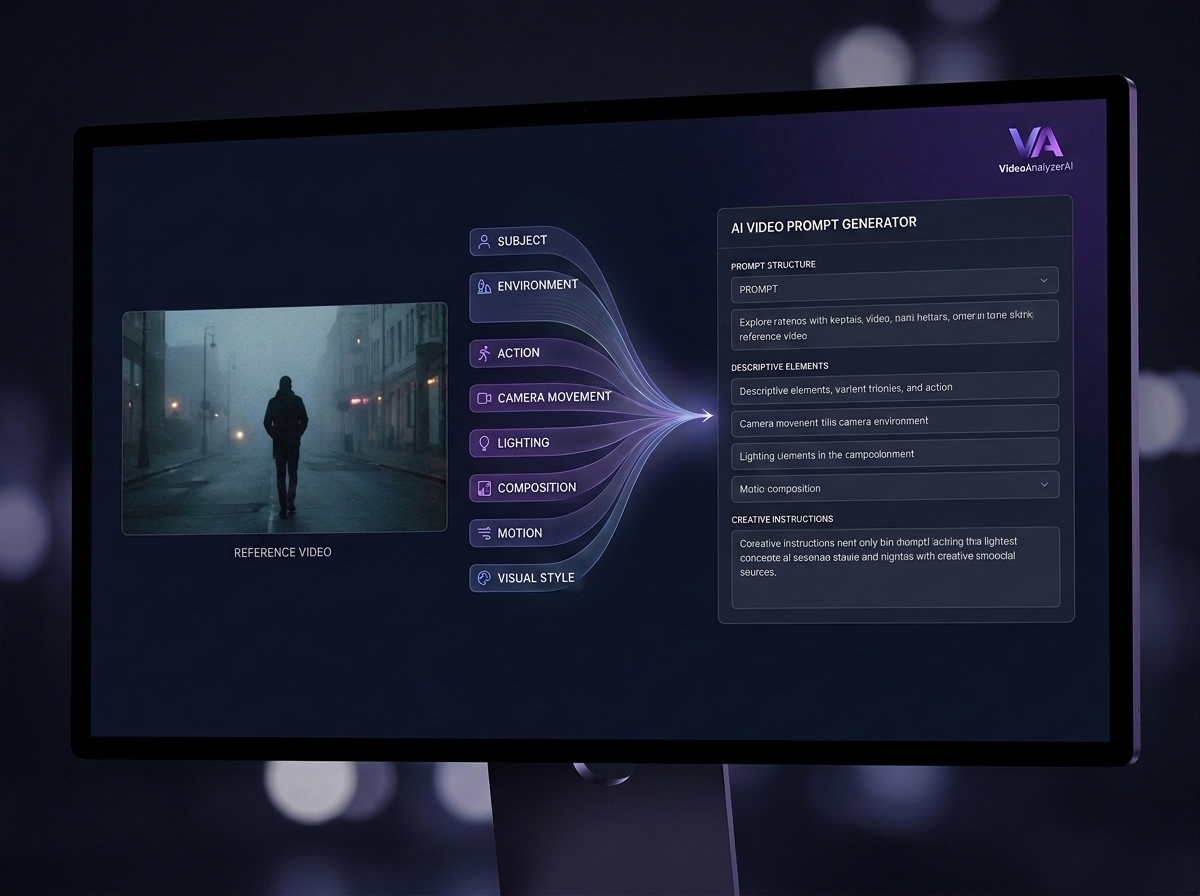
Video to prompt is the process of analyzing a reference video and translating the important visual and temporal characteristics of that video into instructions that can be used to generate a new video with an AI video creation tool.
A simple way to think about it is:
Reference video → Visual analysis → Recreation prompt → AI video generation
The analysis can consider things such as:
Subject and environment
Scene composition
Camera framing
Camera movement
Subject movement
Lighting
Color
Atmosphere
Visual style
Pacing
Important objects
Transitions
Spatial relationships
The progression of events within the shot
The goal isn't to pretend that you can recover the exact hidden prompt originally used to make the reference.
In most cases, you can't.
The original creator may have used several prompts, reference images, model settings, iterations, editing, or other creative decisions that aren't visible in the final video.
Instead, video-to-prompt analysis works from what can actually be observed.
The result is a recreation-ready interpretation of the reference.
That distinction is important because it makes the process useful even when the original prompt is completely unavailable.
What Can You Do With Video to Prompt?
This is where video to prompt becomes much more interesting.
A reference video isn't just something you can "describe."
It can become a creative blueprint.
Here are some of the most useful things you can do with the technique.
1. Reverse Engineer a Viral AI Video
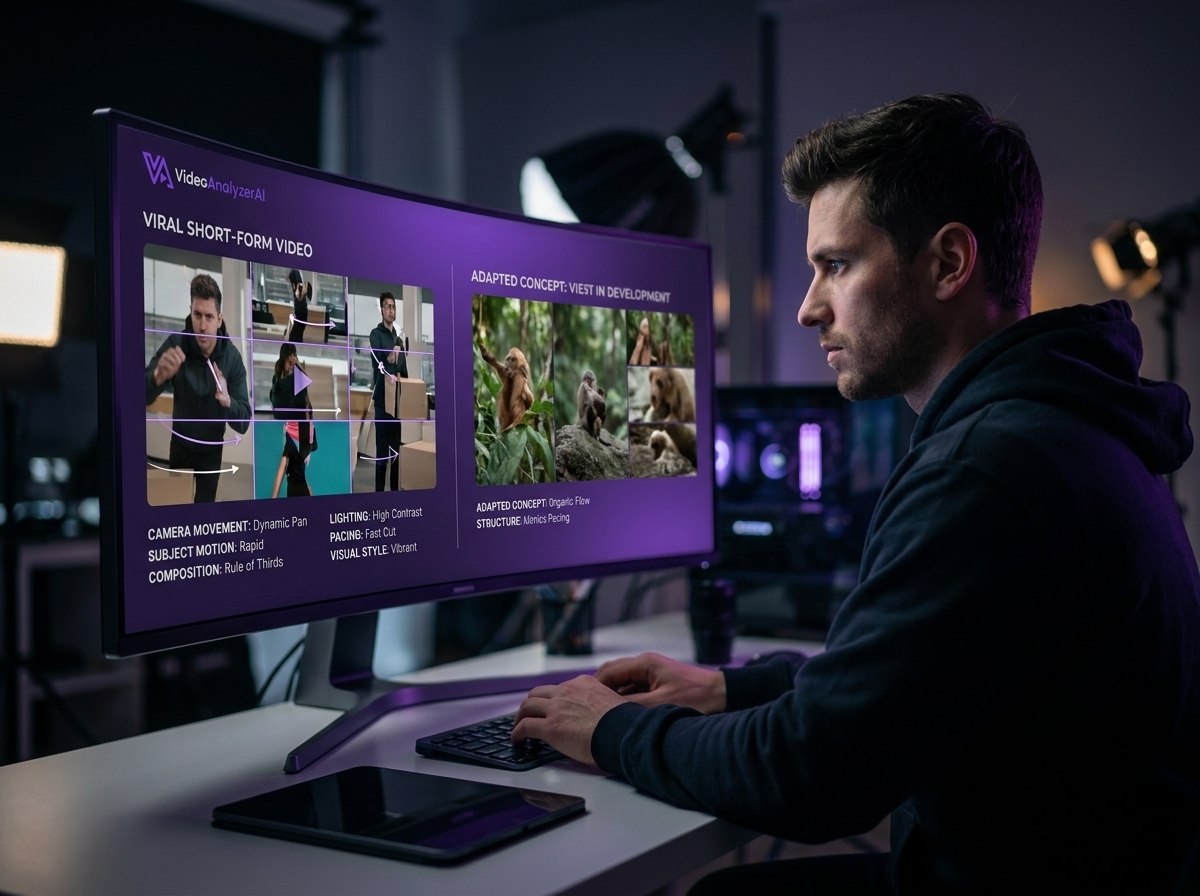
You discover a short AI-generated video that is performing extremely well on TikTok, Instagram, YouTube Shorts or another platform.
Instead of simply watching it and trying to guess how it was created, you can analyze the reference.
You can identify:
The opening shot
Subject
Camera movement
Scene structure
Motion
Visual style
Lighting
Pacing
Transitions
You can then use those insights to create your own interpretation.
The goal isn't necessarily to duplicate the original.
You can preserve the creative structure while changing the subject, setting, story or visual concept.
For example, a viral video showing a luxury car driving through a futuristic city could become:
Reference: futuristic car commercial
Your recreation: futuristic motorcycle commercial
The camera language and cinematic structure can remain similar while the creative subject changes.
2. Recreate a Commercial Advertisement
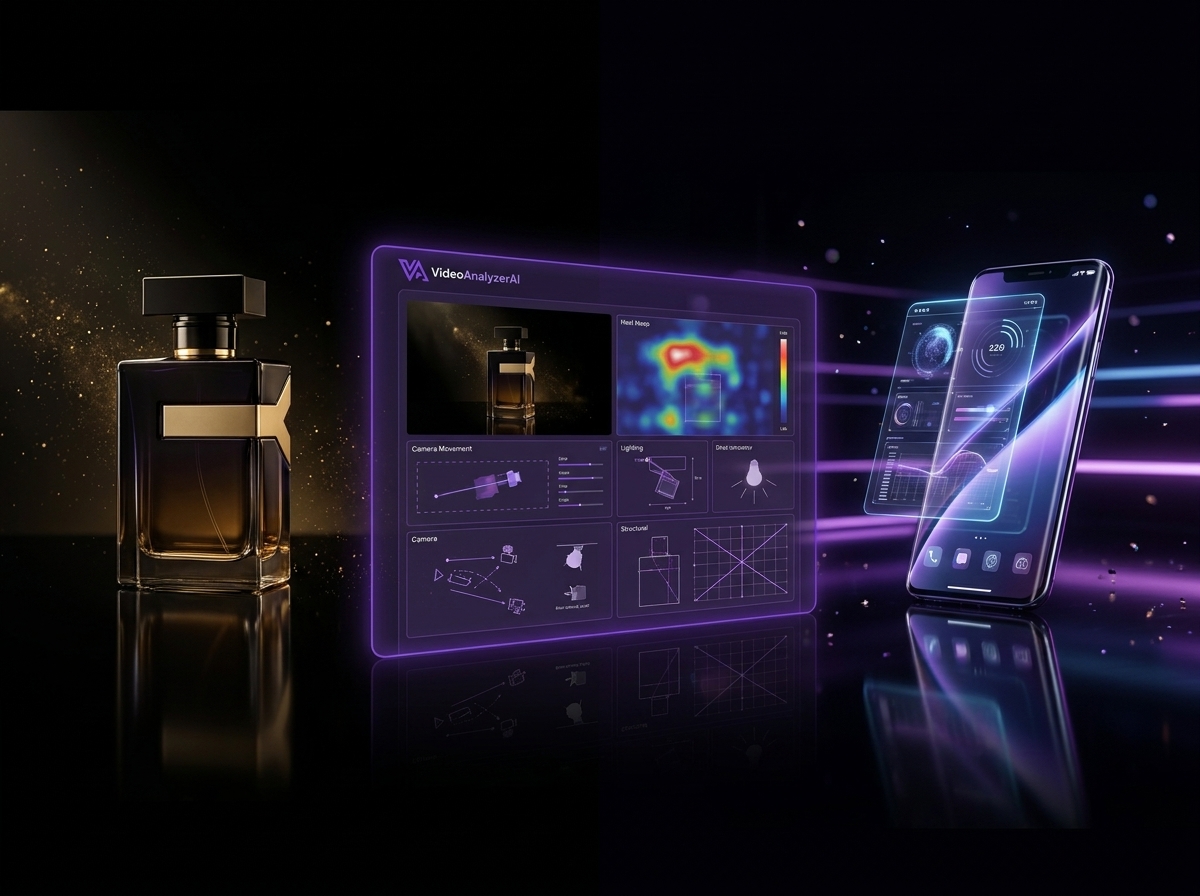
Video to prompt can be particularly useful for studying advertising.
Imagine you find a product commercial with:
A dramatic product reveal
Slow-motion movement
Macro shots
Controlled lighting
A cinematic camera push
Product rotation
Atmospheric particles
A premium advertising aesthetic
Instead of starting from a blank prompt, you can use the commercial as a reference.
You can then recreate the advertising language with a different product.
For example:
Reference: luxury watch advertisement
New concept: premium smartphone advertisement
The product changes.
The visual strategy remains.
This makes reference-driven prompting useful for marketers, creative agencies, e-commerce brands and independent creators who want to experiment with cinematic advertising concepts before producing traditional footage.
3. Recreate a Camera Movement
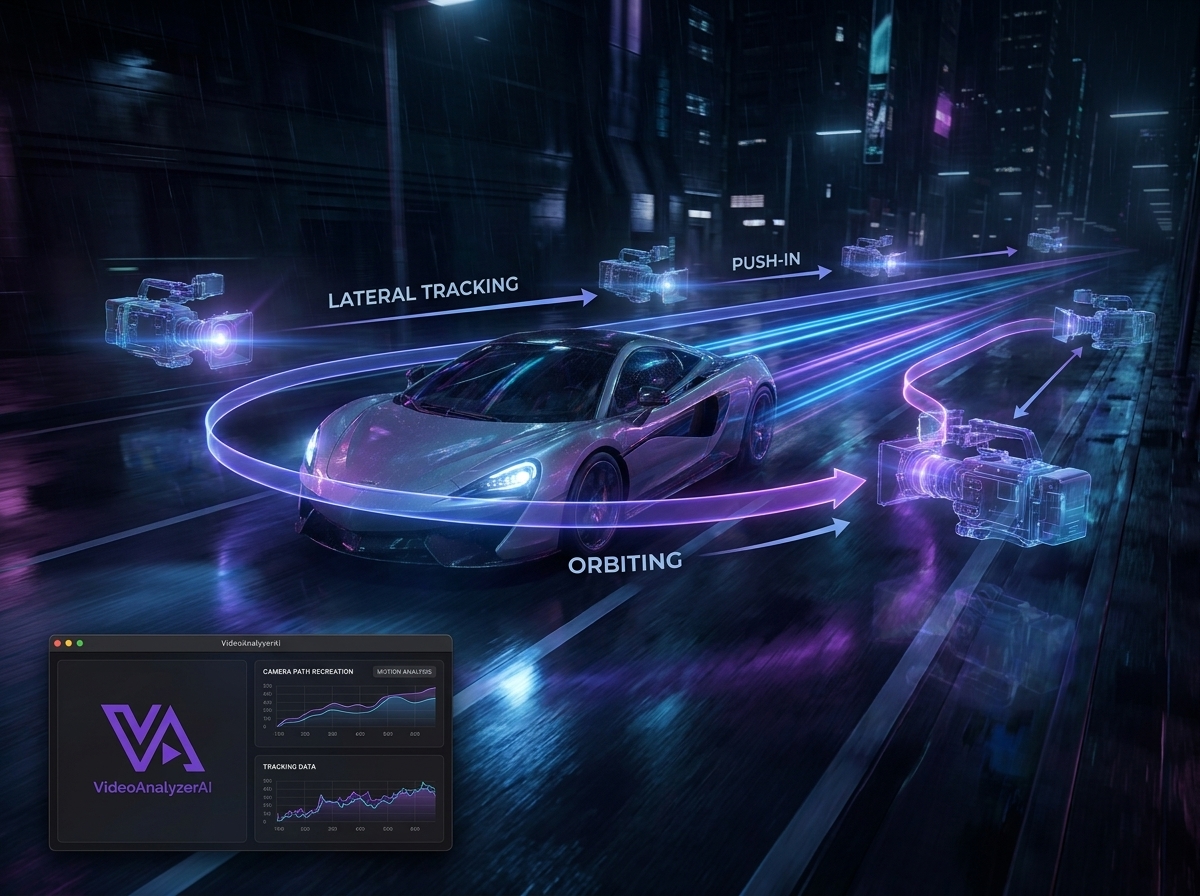
Sometimes the most valuable part of a reference isn't the subject.
It's the camera.
You might see a shot where the camera:
Slowly pushes toward a character
Tracks beside a moving vehicle
Orbits around a product
Follows a person through an environment
Pulls dramatically away from a subject
Moves from an overhead view into a close-up
These movements can be difficult to describe from memory.
A reference video gives you something concrete to study.
A video-to-prompt workflow can translate the observed movement into a prompt that communicates the intended camera behavior to an AI video generator.
4. Recreate a Visual Style
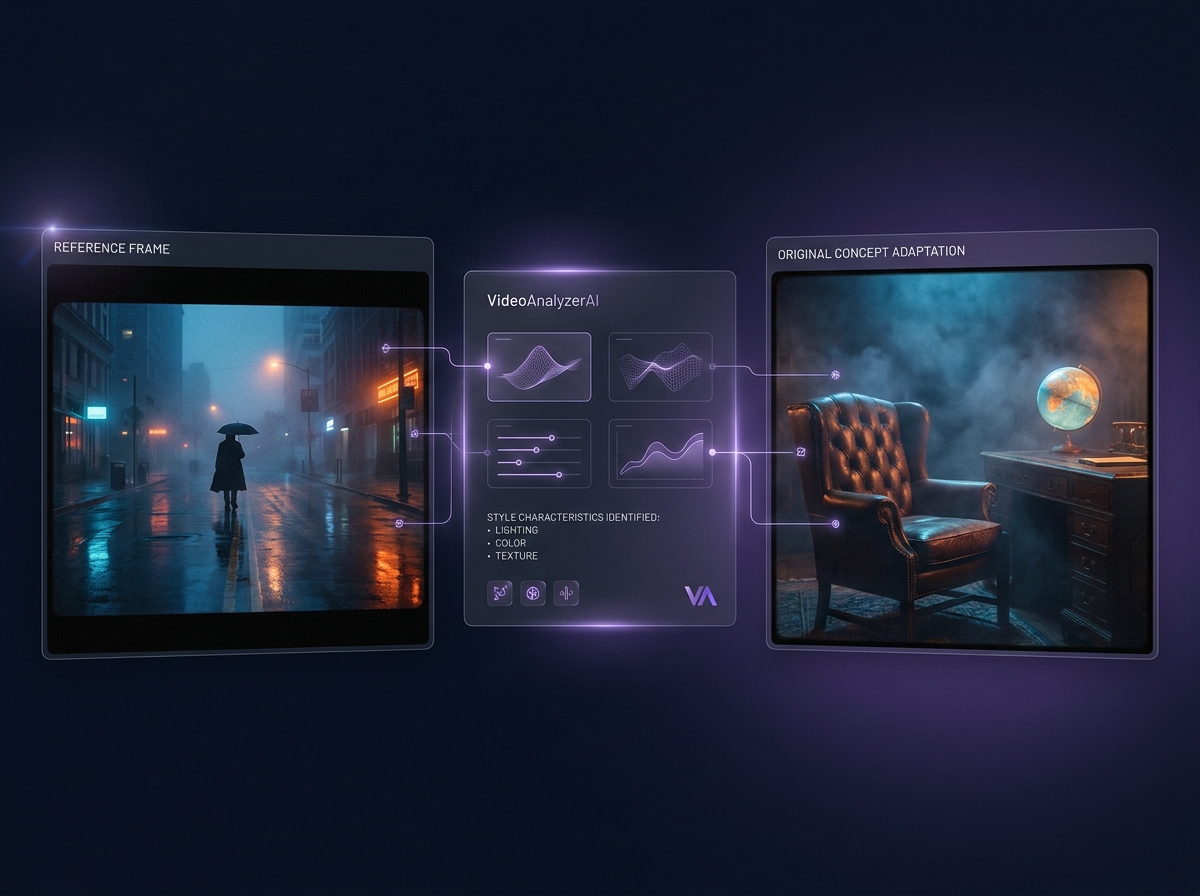
You can also use reference videos to study visual characteristics.
For example:
Cinematic realism
Vintage film
Futuristic sci-fi
Luxury advertising
Stop-motion
Miniature worlds
Surreal environments
Fashion editorial
Documentary-style footage
Dark atmospheric cinematography
The objective isn't simply to say:
"Make it cinematic."
That's too vague.
A useful analysis can identify what actually creates the visual feeling:
lighting + color + composition + lens perspective + atmosphere + movement + texture
That gives you a much stronger foundation for recreation.
5. Create a New Video From an Existing Creative Structure
One of the most powerful uses is changing the content while preserving the visual concept.
Imagine a reference video shows:
A person walking through a futuristic city while the camera follows from behind.
You could transform the concept into:
A robot walking through an abandoned futuristic city while the camera follows from behind.
Or:
An astronaut walking through a massive alien city while the camera follows from behind.
The reference becomes a structural blueprint rather than a script to copy.
6. Recreate Product Videos
Product creators can use reference videos to study how products are presented.
For example:
Reference: luxury perfume commercial
You can extract:
Product placement
Camera movement
Lighting
Background
Macro details
Slow-motion behavior
Atmosphere
Product reveal sequence
Then apply the creative structure to another product.
This can be particularly interesting for e-commerce brands that need many variations of product content.
7. Recreate Social Media Content
Short-form creators constantly encounter interesting visual formats.
A reference video might reveal a format that works because of:
Its first-second hook
Camera movement
Visual transition
Subject reveal
Pacing
Ending shot
Instead of merely copying the idea, you can study the mechanics behind the visual.
This makes video-to-prompt analysis useful for developing your own version of a proven visual format.
8. Turn a Reference Into a New Creative Concept
Video to prompt doesn't have to begin with the intention to recreate anything exactly.
Sometimes the reference simply provides inspiration.
You might take:
Reference environment + camera movement + lighting
and combine them with:
your own subject + story + product + creative direction
The result can be completely different while still benefiting from the visual language of the reference.
Why Turning a Video Into a Prompt Is Difficult
At first glance, it might seem easy.
Just describe the video.
But a useful AI video prompt needs much more than a caption.
Consider a five-second shot of a woman walking through a rainy city.
A basic description might be:
A woman walks through a rainy city at night.
Technically, that describes the scene.
But it doesn't explain why the original video looks the way it does.
What is the camera doing?
Is the camera following her?
Is it handheld?
Is the shot wide or close?
Are the reflections visible?
Are the streetlights warm or cool?
Is there shallow depth of field?
Does the woman walk slowly or quickly?
Does the camera move with her?
Does she turn?
Does the shot end with a close-up?
Those details can dramatically change the resulting video.
That's why effective video-to-prompt analysis needs to understand both what is visible and what changes over time.
What Should a Good Video-to-Prompt Analysis Extract?
A useful analysis can be thought of as several layers.
Subject
What is the main focus?
A person, animal, vehicle, product, building, environment or object?
Scene
Where does the action happen?
A studio, street, forest, futuristic city, desert, bedroom, laboratory or completely imaginary environment?
Action
What happens?
What does the subject do?
How does the action progress?
Camera
How does the camera behave?
Is it static, tracking, panning, tilting, orbiting, pushing in or pulling away?
Composition
How are the visual elements arranged?
Where is the subject?
What is in the foreground?
What is in the background?
Lighting
What kind of light shapes the scene?
Soft daylight?
Hard sunlight?
Neon?
Studio lighting?
Backlighting?
Low-key cinematic lighting?
Motion
What moves besides the camera?
Hair, clothing, vehicles, smoke, water, particles, background objects or other characters?
Style
What visual characteristics define the reference?
Timing and progression
How does the shot develop from beginning to end?
This combination is far more useful than simply generating a sentence describing what appears in the first frame.
How VideoAnalyzerAI Turns This Into a Practical Workflow
This is where VideoAnalyzerAI comes in.
Instead of asking you to manually watch a reference video, pause it repeatedly, take notes, identify camera movements, describe scenes and then construct a long recreation prompt yourself, VideoAnalyzerAI is designed around the reference-video workflow.
You start with the thing you already have:
the reference video.
Upload it to VideoAnalyzerAI.
The system analyzes the video and builds a structured understanding of what is happening visually and temporally.
You can also provide an optional Creator Direction.
That matters because sometimes you don't want to reproduce the reference exactly.
You might want to tell the system:
Keep the camera movement but change the subject.
Or:
Recreate the visual style, but make it a luxury perfume advertisement.
Or:
Keep the composition and pacing, but turn the character into a futuristic robot.
Your reference provides the visual foundation.
Your Creator Direction provides the creative intention.
The combination gives you a much more useful starting point for recreation.
From Reference Video to Recreation Prompt
The workflow is straightforward.
1. Upload your reference video
Start with a video that contains the visual idea you want to study or recreate.
It could be:
A commercial
A social media video
An AI-generated video
A cinematic sequence
A product video
A short film
A visual experiment
A creative reference you discovered online
2. Add Creator Direction — optionally
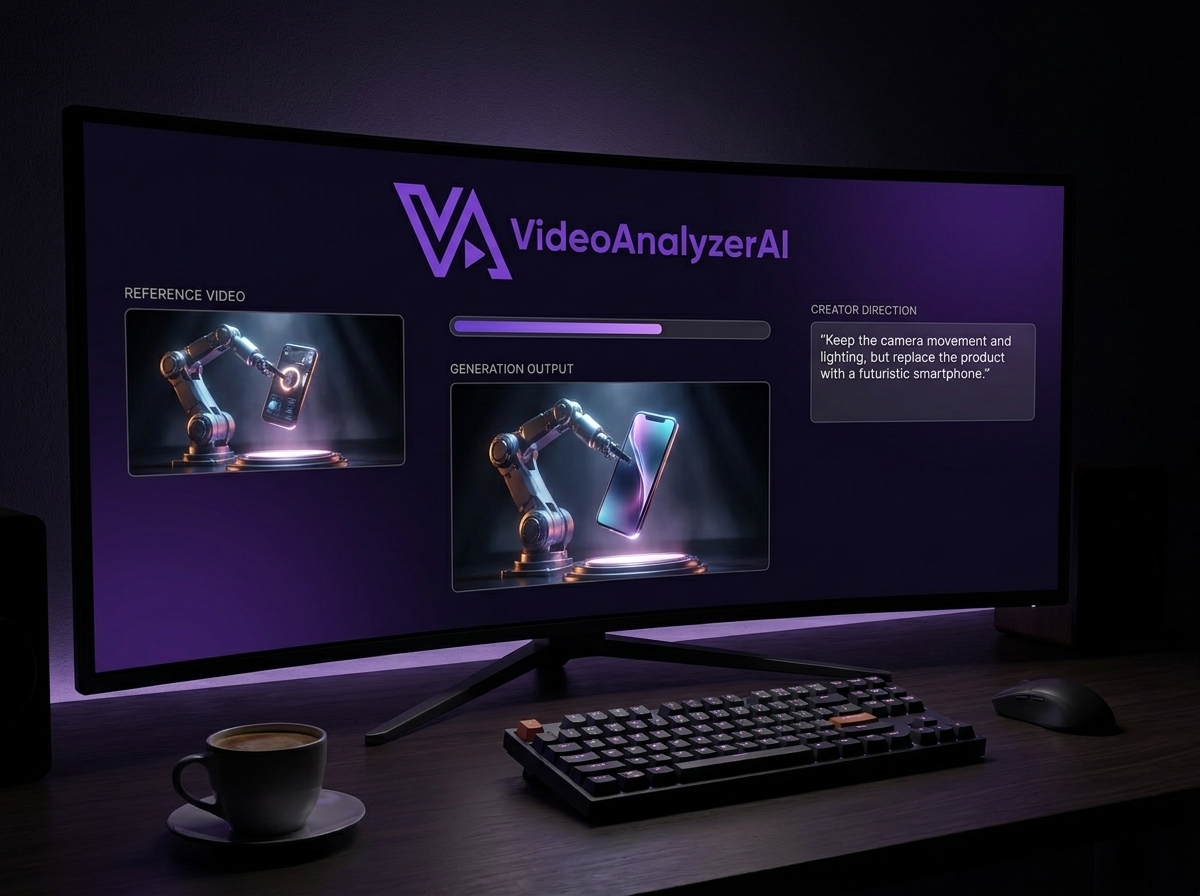
If you want the result to follow a particular creative direction, describe what you want changed.
For example:
"Keep the camera movement and lighting, but replace the product with a futuristic smartphone."
Or:
"Use the same cinematic structure, but create a luxury fashion campaign."
You don't have to provide Creator Direction if you simply want the reference analyzed first.
3. Let VideoAnalyzerAI analyze the reference
The system examines the reference and identifies the visual information that matters for recreation.
Rather than giving you a generic video description, the goal is to produce useful creative instructions.
4. Review the recreation breakdown
The resulting analysis can help you understand how the reference is constructed.
You can see the scenes, visual direction and creative components that make the video work.
5. Generate prompts for your chosen platform
VideoAnalyzerAI can then provide recreation-oriented prompts that you can take into the AI video creation workflow you want to use. That means the reference video becomes the starting point rather than the final destination.
Which AI Video Platforms Can You Use the Prompts With?
VideoAnalyzerAI is designed to support recreation workflows across multiple AI video creation platforms.
The current supported destinations include:
MiniMax Hailuo
Wan
Auto / Universal
This matters because different AI video platforms can interpret prompts differently.
Instead of treating one prompt as permanently tied to one generator, VideoAnalyzerAI's approach is to give you recreation instructions that can be adapted to the platform you're using.
For example, you might analyze a reference once and then explore the concept using:
Google Flow → Higgsfield → Kling → Seedance
That makes the reference analysis useful beyond a single generation attempt.
Platforms themselves continue to evolve quickly. For example, Higgsfield currently presents workflows spanning multiple AI video models and explicitly supports reference-video-driven motion workflows, illustrating why multi-platform recreation workflows can be useful.
VideoAnalyzerAI Is Not About Guessing a Magic Prompt
There is an important distinction here.
VideoAnalyzerAI isn't claiming:
"We found the exact original prompt."
That's usually impossible from a finished video.
Instead, the useful question is:
"What instructions would help me recreate the important characteristics of this reference?"
That's a much more practical problem.
A creator might not care what the original hidden prompt was.
They care about producing a new video with:
Similar camera language
Similar movement
Similar composition
Similar atmosphere
Similar pacing
Similar visual style
while changing the subject or creative direction.
That's where a reference-to-prompt workflow becomes powerful.
Who Is Video to Prompt Useful For?
Video-to-prompt workflows aren't limited to one type of creator.
AI Video Creators
Study references and turn them into starting points for new AI-generated videos.
YouTubers
Develop cinematic intros, visual sequences, thumbnails-to-video concepts and short-form content.
Social Media Creators
Study visual formats and create original variations for TikTok, Instagram Reels and YouTube Shorts.
Advertisers
Analyze commercial references and develop new product-ad concepts.
Marketing Agencies
Explore creative directions before investing in traditional production.
E-commerce Brands
Create product-video concepts inspired by high-end advertising.
Filmmakers
Study camera movement, composition, lighting and visual storytelling.
Creative Directors
Use references to communicate a visual direction more precisely.
Prompt Engineers
Study how visual characteristics translate into structured video-generation instructions.
A Simple Example
Imagine you find a 10-second commercial showing a perfume bottle on a reflective black surface.
The camera slowly moves around the bottle.
A narrow beam of light passes across the glass.
Tiny particles float through the air.
The background remains dark.
The final shot moves closer to the bottle as the logo becomes visible.
You could describe that manually.
But you'd have to identify:
Subject: perfume bottle
Environment: dark studio
Surface: reflective black
Camera: slow orbit
Lighting: narrow directional highlight
Atmosphere: floating particles
Motion: gradual camera movement
Ending: close product reveal
Now imagine changing the Creator Direction:
"Keep the premium cinematic advertising structure, but replace the perfume bottle with a luxury smartwatch."
Suddenly the reference becomes a blueprint for a completely different advertisement.
That's the kind of workflow VideoAnalyzerAI is designed to make easier.
Video to Prompt vs. Starting From a Blank Prompt
Starting from a blank prompt can work.
But you're asking yourself to imagine everything from scratch.
Subject.
Environment.
Camera.
Motion.
Lighting.
Style.
Composition.
Timing.
A reference video gives you something concrete to work from.
Instead of asking:
"What should my video look like?"
you can ask:
"What makes this reference video work, and how can I adapt those elements to my idea?"
That is a much easier creative problem to solve.
The Real Power Is in the Combination
The most interesting workflow isn't:
Reference video → copy
It's:
Reference video → analysis → creative direction → recreation prompt → new video
The reference provides evidence.
Your Creator Direction provides intention.
The resulting prompt provides instructions.
The AI video generator turns those instructions into a new visual result.
And you can iterate.
Change the subject.
Change the environment.
Change the product.
Change the style.
Change the mood.
Keep the camera.
Keep the pacing.
Keep the composition.
Or change everything except the core visual idea.
That's what makes reference-driven prompting more powerful than simply trying to describe a video from memory.
Try Video to Prompt With VideoAnalyzerAI
If you've ever saved a video because you thought:
"I want to make something like this."
you already have the starting point.
Upload the reference to VideoAnalyzerAI.
Let the system analyze the video.
Add your Creator Direction if you want to change the concept.
Then use the resulting recreation prompts as your starting point for AI video generation.
You can learn more about the overall workflow on the How It Works page, or explore the available options on the Pricing page.
The next time you see an AI video you want to recreate, don't just save it. Analyze it.
Turn the reference into a creative blueprint.
Then build something of your own.
Final Takeaway
Video to prompt changes the starting point for AI video creation.
Instead of beginning with a blank prompt box, you begin with something you can actually see.
A reference.
From that reference, you can study the subject, environment, camera, composition, movement, lighting, style and timing.
You can use those insights to:
Reverse engineer the visual structure of a viral video
Recreate the creative language of a commercial
Develop new product advertisements
Reproduce interesting camera movements
Adapt visual styles
Create new versions of social-media formats
Transform an existing creative concept into something original
Build prompts for different AI video creation platforms
And with VideoAnalyzerAI, the workflow starts with something simple:
Upload a reference video.
Add your creative direction if you have one.
Then turn the reference into a structured recreation workflow and high-quality prompts you can take into your preferred AI video creation platform.
Your reference is the starting point. Your creativity determines where it goes next.
Comments
Sign in to leave a comment.
No comments yet — be the first to comment.